The short answer
Before configuring HubSpot, map the business process, understand the source data, define the CRM model, agree what success looks like and assign long-term ownership. Configuration should implement those decisions, not become the place where they are first discovered.
The fastest way to build the wrong HubSpot system is to start configuring before you have answered the questions that should have come first.
We see this constantly: a team opens the portal, starts building pipelines and workflows, and gets a system that technically works until it meets a real business process it was not designed for. Then it is rebuilt. Then rebuilt again. Each round costs more than the discovery work would have.
Here is what actually needs to happen before configuration begins.
Map the business, not the software
What are the teams, the handovers, the constraints and the commercial goals this system needs to support? HubSpot should be built around how your organisation actually works, not the other way around.
Get the data story straight
Where does your data live today, what shape is it in and what needs to happen to it before it enters a new architecture? Migration plans built after configuration starts are migration problems waiting to happen.
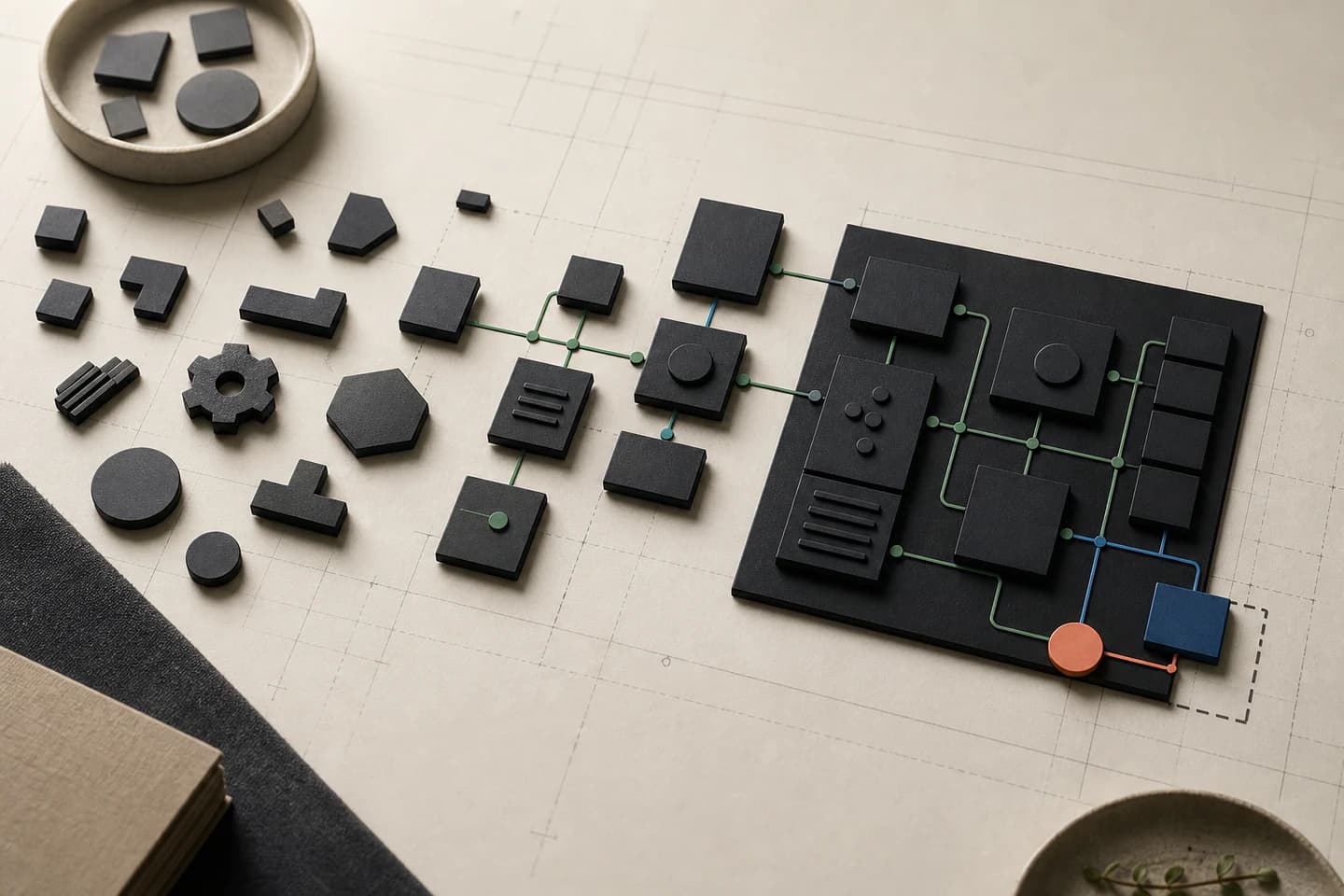
Define the CRM model on paper first
Ownership, pipelines, lifecycle stages and custom objects are expensive to reverse once hundreds of workflows depend on them. A defined system design, written down before a single field is built, is the cheapest insurance in the entire project.
Decide what done looks like
A roadmap without measures of success is just a to-do list. What does adoption look like at 30 days? What reporting needs to exist on day one versus month three?
Assign responsibility before you assign tasks
Who owns the portal after launch? Who owns data quality? If the answer is undefined at the start, it stays undefined indefinitely.
Designed implementation, not default setup
This is the difference between an implementation and a default setup. A default setup gets you to "live". A designed implementation gives you a portal architecture, a migration plan and a launch your team can actually use, built around your process rather than a generic template.
We do not treat strategy and implementation as separate engagements handed off between teams. The same people who map the process are the ones who open the portal, write the code and test the workflow, so nothing gets lost in translation between the plan and the build.
About the author
Emma Black
Marketing Consultant / HubSpot Onboarding Specialist
Emma connects marketing strategy with practical HubSpot onboarding, helping teams establish clear journeys, campaigns, content processes, and day-to-day ways of working.
View author profileSources and further reading
Product behaviour and pricing can change. These primary sources were reviewed on 23 September 2026.