The short answer
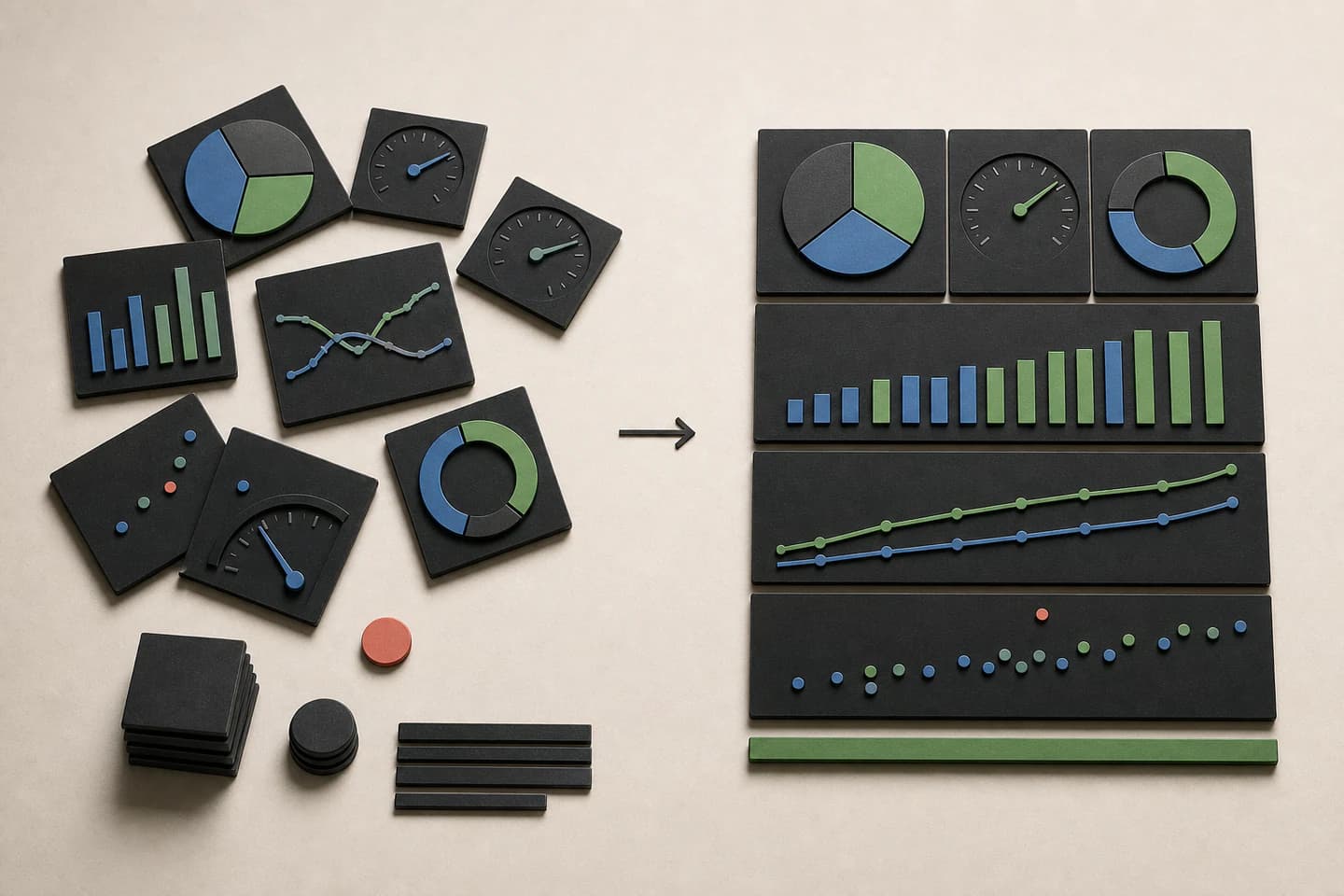
CRM reports become unreliable when the business definition, underlying data, record associations, date logic, filters, and user behaviour do not agree. Fix reliability by defining the metric first, tracing every field to its source, testing the report against a known record set, and assigning ownership for the process that creates the data.
When two dashboards disagree, the natural reaction is to rebuild the chart. The chart is often the least important part. Reporting quality is the visible result of data architecture and operational discipline upstream.
The practical question is not whether HubSpot can draw the report. It is whether the records included, excluded, grouped, and counted genuinely represent the business question.
The metric has no shared definition
Terms such as lead, qualified, pipeline, conversion, active customer, and revenue sound obvious until teams compare their definitions. A dashboard cannot resolve that disagreement. Document the event, record type, field, date, exclusions, currency treatment, and owner behind each important metric.
A good metric definition can be tested on an individual record. If nobody can explain why a particular deal is included, the aggregate is not ready for executive use.
The report starts from the wrong data source
In the custom report builder, the primary data source determines the focus of the report and how related sources are joined. With multiple sources, records can be excluded or counted more than once because of their associations and filters.
Choose the grain of the question first: one row per contact, company, deal, ticket, activity, or something else. Then confirm the data-source join matches that grain. Do not add sources merely because they contain an interesting field.
The required fields are incomplete or unstable
A report based on owner, source, stage, amount, product, or region is only as reliable as the process that sets those properties. Blank values, free-text alternatives, retroactive edits, and automation conflicts quietly change the result.
Use property history and change sources to investigate unexpected updates. HubSpot can show when a value changed and whether the source was a user, import, workflow, integration, or another process. That evidence helps fix the cause instead of patching the report.
Date logic and filters are answering a different question
Create date, close date, stage-entry date, activity date, and campaign date are not interchangeable. A report about deals created this quarter is different from revenue closed this quarter. Relative dates, fiscal calendars, time zones, and reopened records can add further differences.
Dashboard filters are combined with report-level filters, and they only affect reports using compatible data sources. Review the final filter stack rather than assuming a dashboard control overrides the report beneath it.
The operating process does not create the data on time
If teams update stages before a forecast meeting, the dashboard is a periodic survey rather than a live operating view. If handovers happen in email, HubSpot cannot report them. Reporting reliability therefore needs process design, required information at the right moment, and managers who use the same system in their routines.
A practical reliability test
Pick one important report and test it deeply before attempting a dashboard-wide redesign.
Write the definition
Describe the business question, grain, inclusion rules, exclusions, date, and expected output without referring to the chart.
Build a known sample
Select a small set of records whose expected inclusion and values can be checked manually.
Trace each field
Identify its source, format, owner, update paths, completion rate, and historical behaviour.
Reconcile and monitor
Explain every difference, record the accepted logic, and add a recurring data-quality check.
Conclusion
Trustworthy reporting is a chain of definitions, data, process, and configuration. Strengthen that chain and the dashboard becomes simpler because it no longer has to disguise uncertainty.
About the author
Thierry-Luc Denichaud
Founder & Senior HubSpot Consultant
Thierry-Luc Denichaud is the founder of 42 and a senior HubSpot consultant specialising in CRM architecture, automation, integrations, websites and enterprise digital platforms.
View author profileSources and further reading
Product behaviour and pricing can change. These primary sources were reviewed on 22 July 2026.