The short answer
Every business can check whether a site works by keyboard, shows visible focus, has a sensible heading and reading order, provides useful text alternatives, maintains usable contrast and zoom, labels forms clearly, gives users control of motion, and communicates errors. These checks are a first review, not proof of WCAG conformance.
Accessibility quality is experienced in ordinary interactions: finding the main content, understanding a heading, seeing where keyboard focus moved, completing a form, or pausing motion. Many serious barriers can be spotted without specialist software.
The checks below draw on W3C Web Accessibility Initiative guidance and WCAG 2.2. They are useful for triage and ongoing content quality, but a complete evaluation still needs knowledgeable human review and testing with appropriate tools and assistive technologies.
Use the whole page with a keyboard
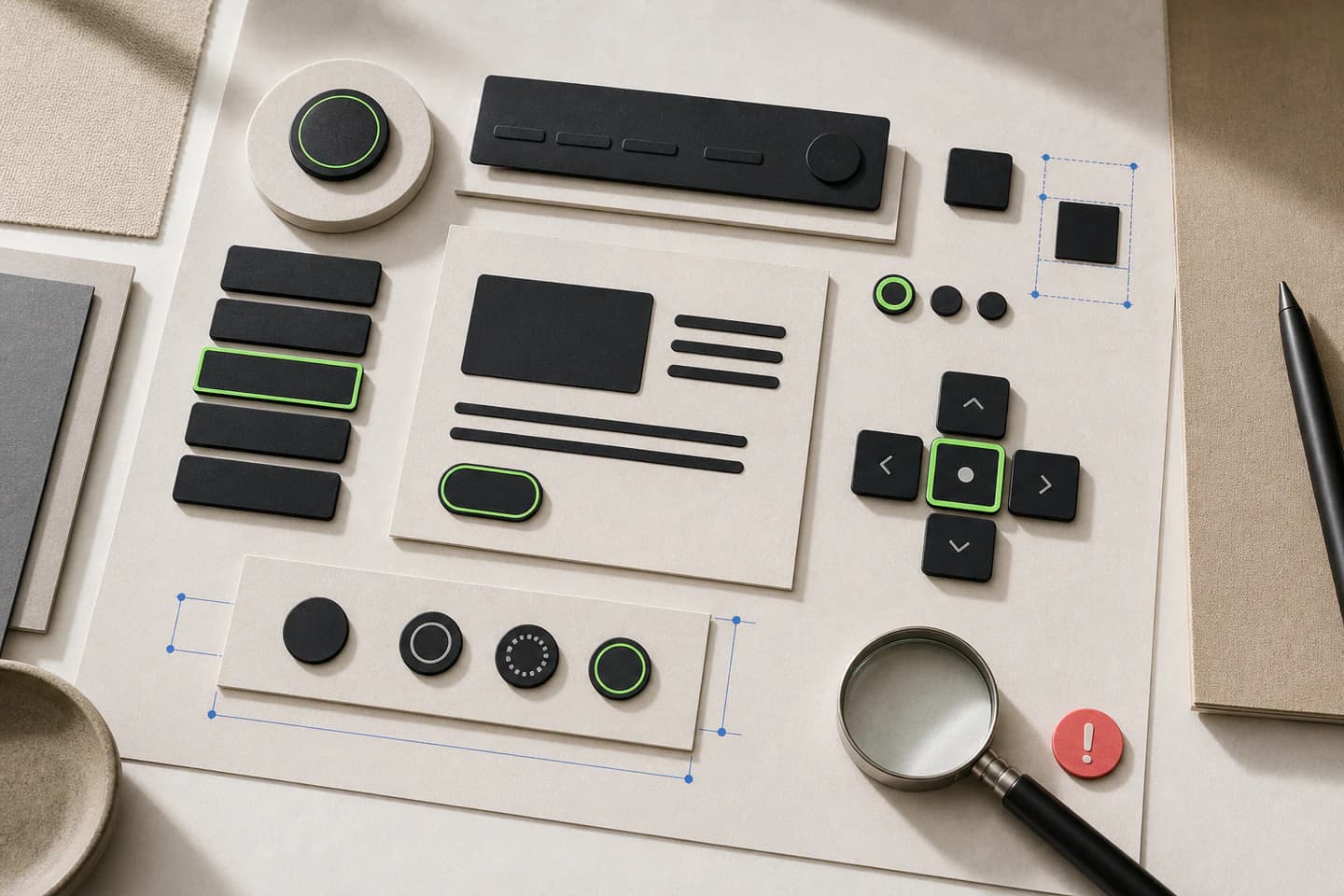
Put the mouse aside. Use Tab and Shift+Tab to move through interactive elements, Enter or Space to activate controls, arrow keys where the pattern expects them, and Escape to close overlays. Everything operable by pointer should have a practical keyboard route.
- Focus is always visible and has sufficient contrast.
- Focus order follows the visual and logical reading order.
- Menus, dialogs, accordions, carousels, and forms are operable.
- No component traps focus or leaves it behind hidden content.
- Sticky headers or overlays do not completely obscure the focused item.
Check page title, language, headings, and landmarks
Each page needs a descriptive title and the document should identify its primary language. There should be one clear main content area, and headings should describe the sections beneath them rather than being chosen for visual size.
Read the headings as an outline. Then imagine the page linearised into one column or read aloud. If the sequence no longer makes sense, the source order or semantic structure needs attention.
Test alternatives, contrast, zoom, and reflow
Meaningful images need text alternatives that convey their purpose in context; decorative images should be ignored by assistive technology. Do not put essential instructions only inside an image.
Check text and interface contrast, then zoom the browser to 200% and inspect common mobile widths. Content should remain readable without losing controls or requiring two-dimensional scrolling for ordinary text. Do not rely on colour alone to communicate status.
Complete every form slowly and incorrectly
Every input needs a persistent, programmatically connected label. Required status, format expectations, and errors should be communicated in text and associated with the affected field. Placeholder text is not a reliable replacement for a label.
Submit the form empty, enter invalid data, correct one field, and try again. Confirm focus moves sensibly, existing values remain where appropriate, and the success state is announced and visually clear.
Give people control of motion and media
Avoid unexpected audio. Provide accurate captions for video with speech and relevant non-speech audio, and consider transcripts and audio description where the content requires them.
Users should be able to pause, stop, or hide auto-starting movement that lasts more than five seconds. Respect reduced-motion preferences and ensure the experience remains understandable when animation is removed.
Make accessibility part of normal publishing
Automated tools can find some missing names, contrast problems, and structural errors, but no tool alone can determine whether a site is accessible. Combine automated checks with keyboard testing, zoom and reflow checks, screen-reader sampling, content review, and periodic expert evaluation.
Design
Review contrast, focus, target size, states, content order, and motion before handoff.
Build
Use semantic HTML and test components with keyboard and assistive technology.
Publish
Require useful headings, link text, alt text, captions, and form instructions.
Maintain
Include accessibility in regression testing and review real user feedback.
Keep in mind: Passing these checks does not establish legal compliance or full WCAG conformance. Treat them as a practical baseline and escalate material issues for specialist evaluation.
Conclusion
The most useful first step is to make accessibility observable in everyday work. Once teams routinely notice focus, structure, labels, alternatives, and motion, fewer barriers survive until the end of a project.
About the author
Thierry-Luc Denichaud
Founder & Senior HubSpot Consultant
Thierry-Luc Denichaud is the founder of 42 and a senior HubSpot consultant specialising in CRM architecture, automation, integrations, websites and enterprise digital platforms.
View author profileSources and further reading
Product behaviour and pricing can change. These primary sources were reviewed on 22 July 2026.