The short answer
Before connecting a website to HubSpot, decide exactly what will be tracked and captured, verify the correct account and domains, choose the form approach, map fields and lifecycle behaviour, configure consent with legal input, protect the implementation through a tag manager or controlled deployment, and test end-to-end in a clean browser session.
Adding a tracking script is easy. Creating trustworthy website-to-CRM data is not. A connection can affect analytics, contact creation, attribution, forms, chat, consent, automation, and reporting, so the work needs an agreed design and a test plan.
This checklist is for externally hosted websites. HubSpot-hosted pages include the account tracking code automatically, while external pages require deliberate installation.
Decide what the connection is meant to do
Write down the required outcomes before touching production: traffic analytics, HubSpot forms, non-HubSpot form capture, chat, campaign attribution, behavioural events, consent management, or all of the above. Each outcome has different dependencies.
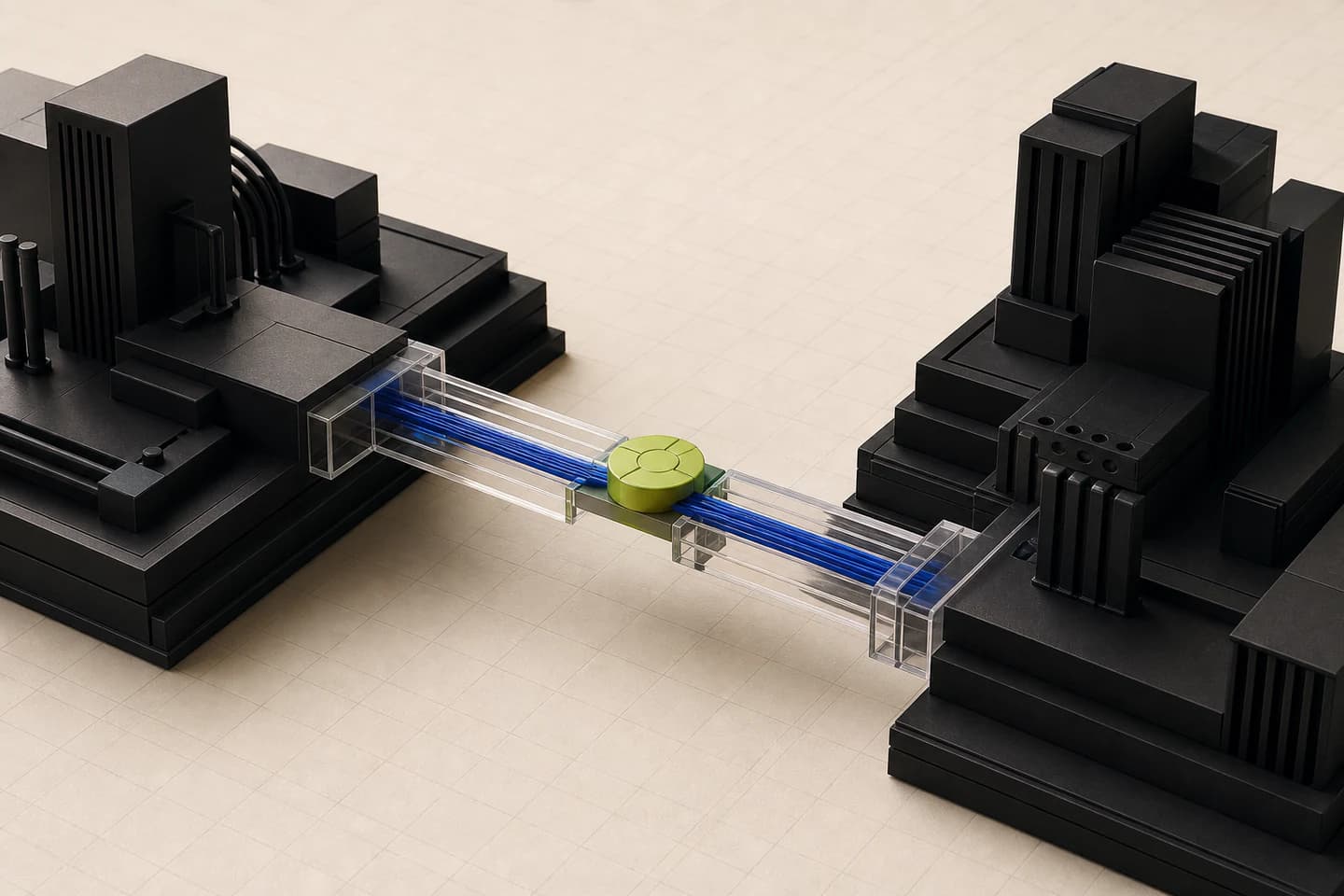
The HubSpot tracking code associates an external site with an account and enables page and visitor tracking. It does not create forms by itself. If the code is absent, features that depend on it, including overall site tracking and some embedded experiences, will not work on that page.
Verify the account, domains, and deployment method
Confirm the HubSpot account ID, production domain, subdomains, country or language paths, staging domains, and who controls the website release. Entire domains hosted outside HubSpot should also be added in HubSpot settings as required by the chosen tools.
Install through one controlled route. If the code is hard-coded and also deployed through a tag manager or plugin, the site can fire it twice. Keep a record of where it is installed and exclude non-production environments from production reporting where appropriate.
- Confirm the script uses the intended HubSpot account.
- List every template and subdomain that must include it.
- Decide how single-page application route changes will be tracked.
- Prevent duplicate installation and accidental staging traffic.
Choose the form and field strategy
An embedded HubSpot form submits directly to HubSpot. A supported non-HubSpot form may be detected when the tracking code and non-HubSpot form capture are enabled, but that approach should be tested against the actual form implementation. A custom experience may need the Forms API or a server-side integration.
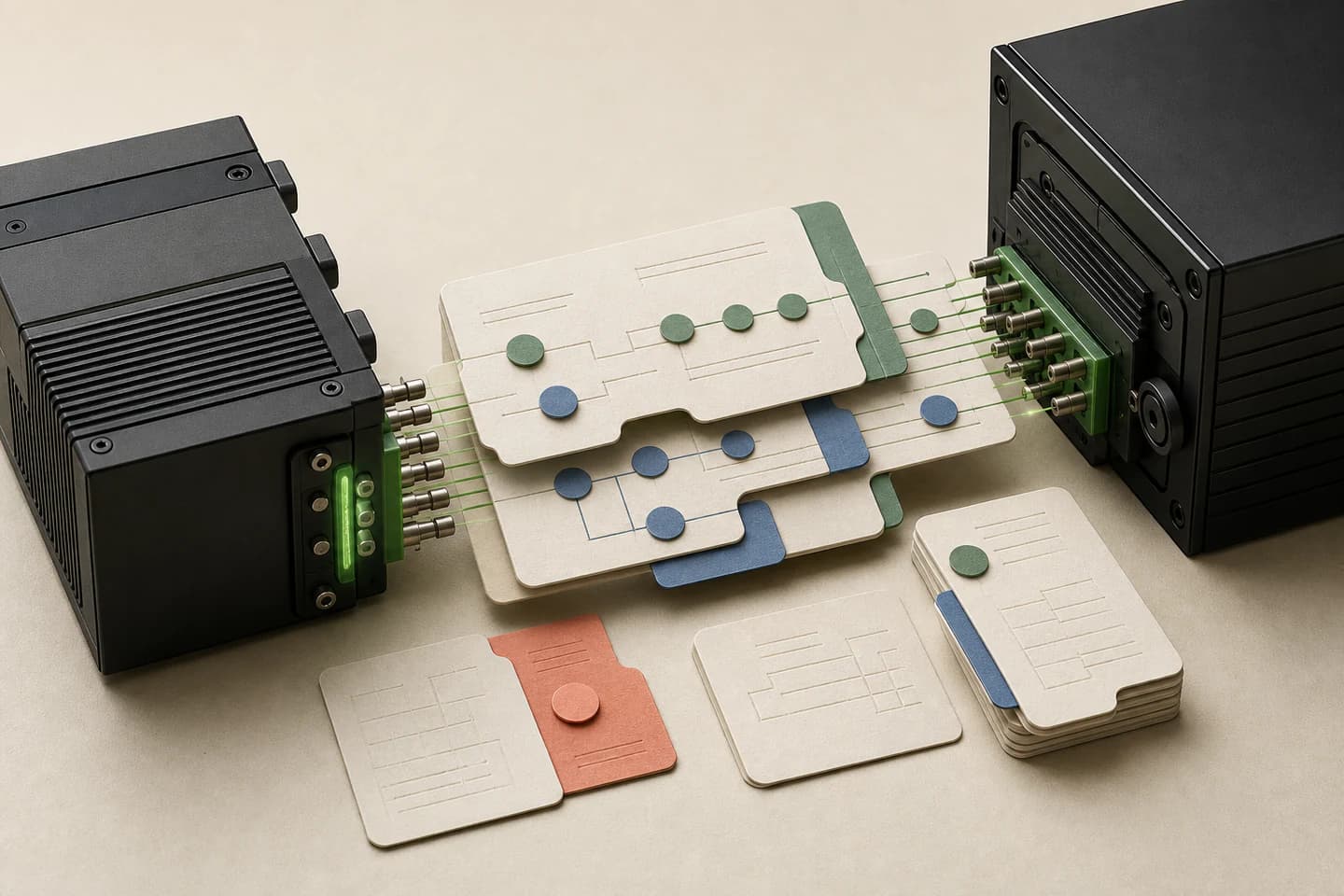
Map each visible and hidden field to an intentional CRM property. Define the subscription or lawful-basis fields, campaign context, page context, owner or routing inputs, and the automation that follows. Avoid creating new properties simply because the website uses different labels.
Design consent and privacy behaviour
Cookie and communication consent are related but not identical. Decide which cookies and scripts may run before consent, what the banner covers, how preferences can be reopened, and what notice appears on each form. Ask legal counsel to confirm the approach for the jurisdictions and data involved.
HubSpot's consent banner can work on external pages with the tracking code and can block cookies from supported HubSpot integrations. HubSpot explicitly notes that it cannot automatically block arbitrary scripts manually placed on the page. Those scripts need their own consent-aware implementation.
Keep in mind: This is an implementation checklist, not legal advice. Your legal team should approve the privacy notice, consent language, retention rules, and regional behaviour.
Test the complete journey, not just the script
Use a new incognito session with browser extensions disabled where possible. Test consent choices, page views, a first-time submission, a returning visitor, an existing contact, validation errors, duplicate behaviour, hidden fields, routing, notifications, workflow enrolment, thank-you states, and reporting attribution.
Browser
Confirm no duplicate network requests, blocked resources, JavaScript errors, layout shifts, or performance regressions.
CRM
Confirm the correct record is created or updated with expected values, source, consent, associations, and activity.
Operations
Confirm owners, tasks, notifications, workflows, and service-level timers behave as designed.
Analytics
Confirm pages and submissions appear in the intended account and reconcile with a controlled test set.
Document ownership before launch
Name the owner of the website code, HubSpot configuration, consent implementation, forms, and post-launch monitoring. Record the account ID, deployment location, field map, test cases, and rollback process. The connection is infrastructure and should be maintained like infrastructure.
Conclusion
A successful connection is not one where the tracking code appears in the source. It is one where a real visitor journey produces accurate, consent-aware, actionable CRM data without introducing avoidable risk.
About the author
Thierry-Luc Denichaud
Founder & Senior HubSpot Consultant
Thierry-Luc Denichaud is the founder of 42 and a senior HubSpot consultant specialising in CRM architecture, automation, integrations, websites and enterprise digital platforms.
View author profileSources and further reading
Product behaviour and pricing can change. These primary sources were reviewed on 22 July 2026.