The short answer
Before launch, validate tracking end to end, map forms to usable CRM properties, design consent as a requirement, plan domains and redirects with attribution in mind, check accessibility and test the real production environment.
A website launch usually gets judged on how it looks. It should be judged on whether it connects.
A fast, well-designed site that is not wired into your CRM, reporting and customer journey is a brochure with a domain name. Here is what tends to get missed before go-live, quietly and expensively.
Tracking that was never validated end to end
It is not enough for a pixel to fire. Someone needs to confirm the data lands correctly in HubSpot and is attributed to the right source before launch, not three weeks later when the first monthly report does not reconcile.
Forms that collect data your CRM cannot use
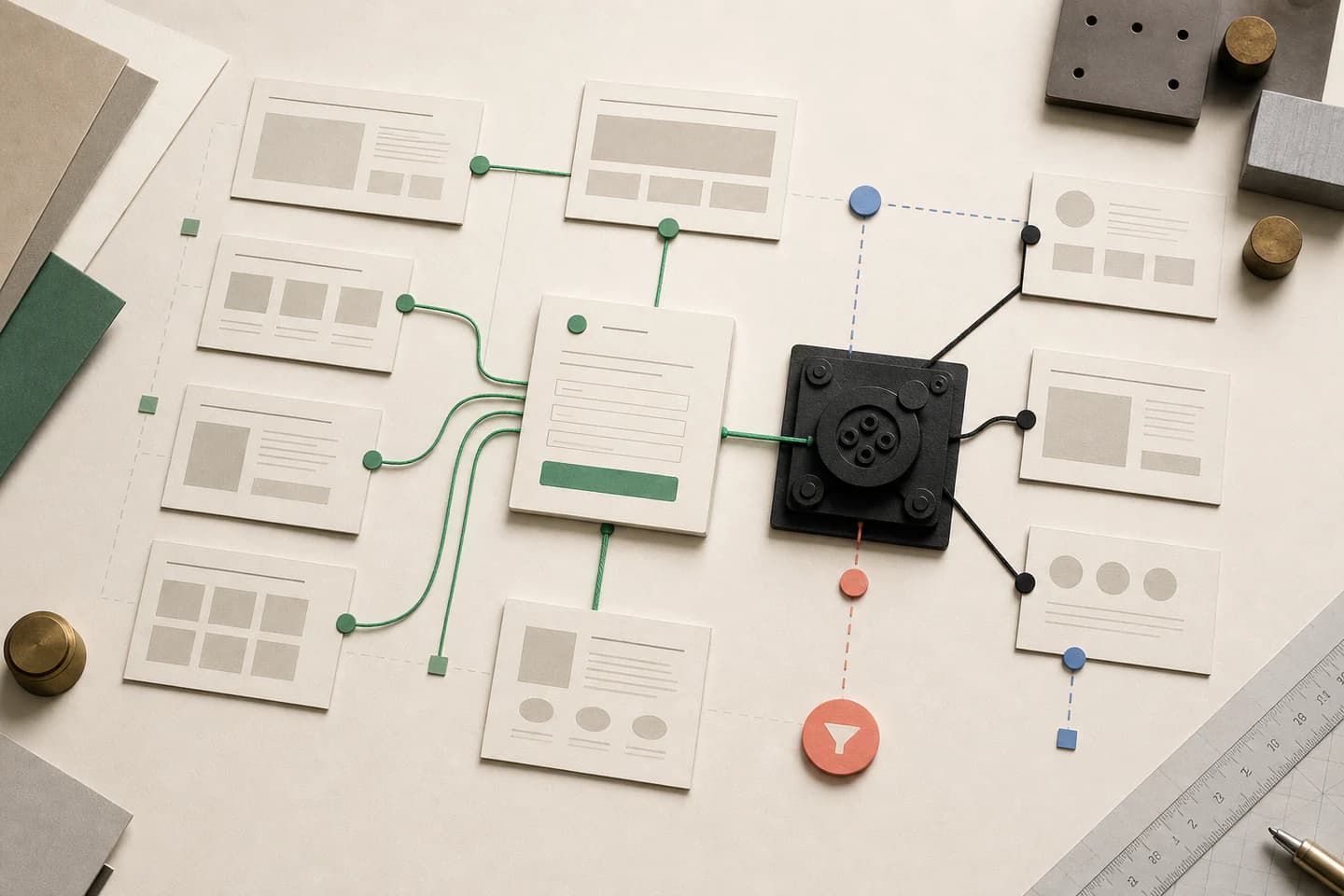
A form that captures a lead is only half the job. If the fields do not map cleanly to CRM properties, or the submission does not trigger the right workflow, you have built a data-entry problem rather than a lead-capture system.
Consent and data capture bolted on at the end
Consent management affects what you are allowed to do with the data you collect. Treating it as a launch-week checkbox instead of a design requirement is how companies end up rebuilding their data practices under pressure later. The exact approach should be reviewed for the jurisdictions and technology involved.
Domain and redirect decisions made without attribution in mind
Domain migrations can quietly break historical tracking and inbound attribution when they are not planned alongside the CRM, rather than treated only as a DNS task.
Accessibility treated as a final pass
Retrofitting accessibility after launch is harder and more expensive than designing for it from the start. Accessibility belongs in the structure, components, content and testing plan.
No testing plan for the live environment
Staging environments can give false confidence. Forms, tracking and integrations need to be verified on the actual external site under real conditions before you call the work done.
The website and CRM are one system
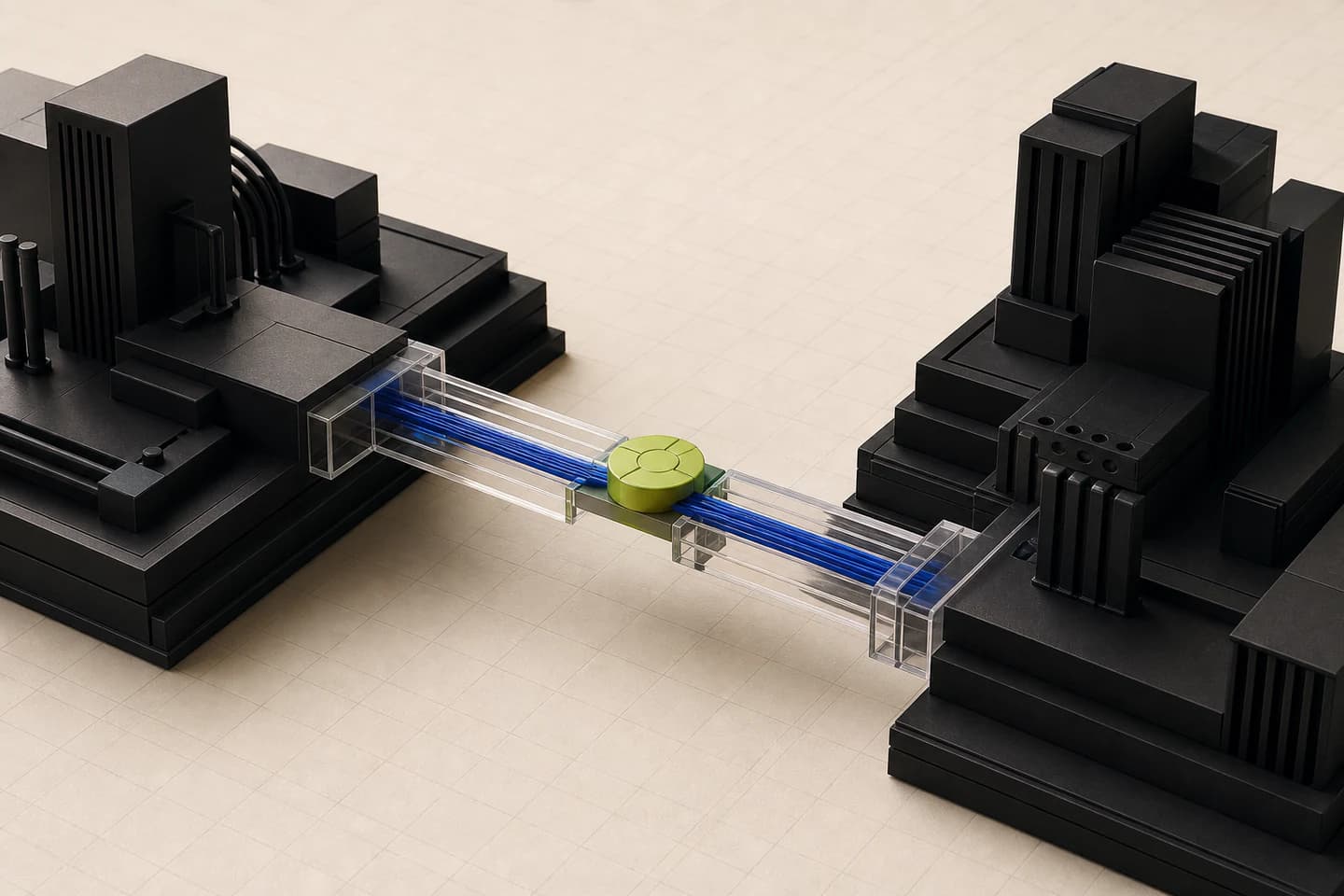
A website is one of the few places where content, conversion, CRM data, reporting and the customer journey all have to work together at the same time. When one piece is treated as a separate workstream, the gap often appears after launch as a reporting hole, a broken attribution chain or a form that quietly stopped syncing.
We build websites as part of the same system as the CRM behind them, not as a separate project that gets connected afterwards.
About the author
Emma Black
Marketing Consultant / HubSpot Onboarding Specialist
Emma connects marketing strategy with practical HubSpot onboarding, helping teams establish clear journeys, campaigns, content processes, and day-to-day ways of working.
View author profileSources and further reading
Product behaviour and pricing can change. These primary sources were reviewed on 23 September 2026.